
KAOS UI Overview
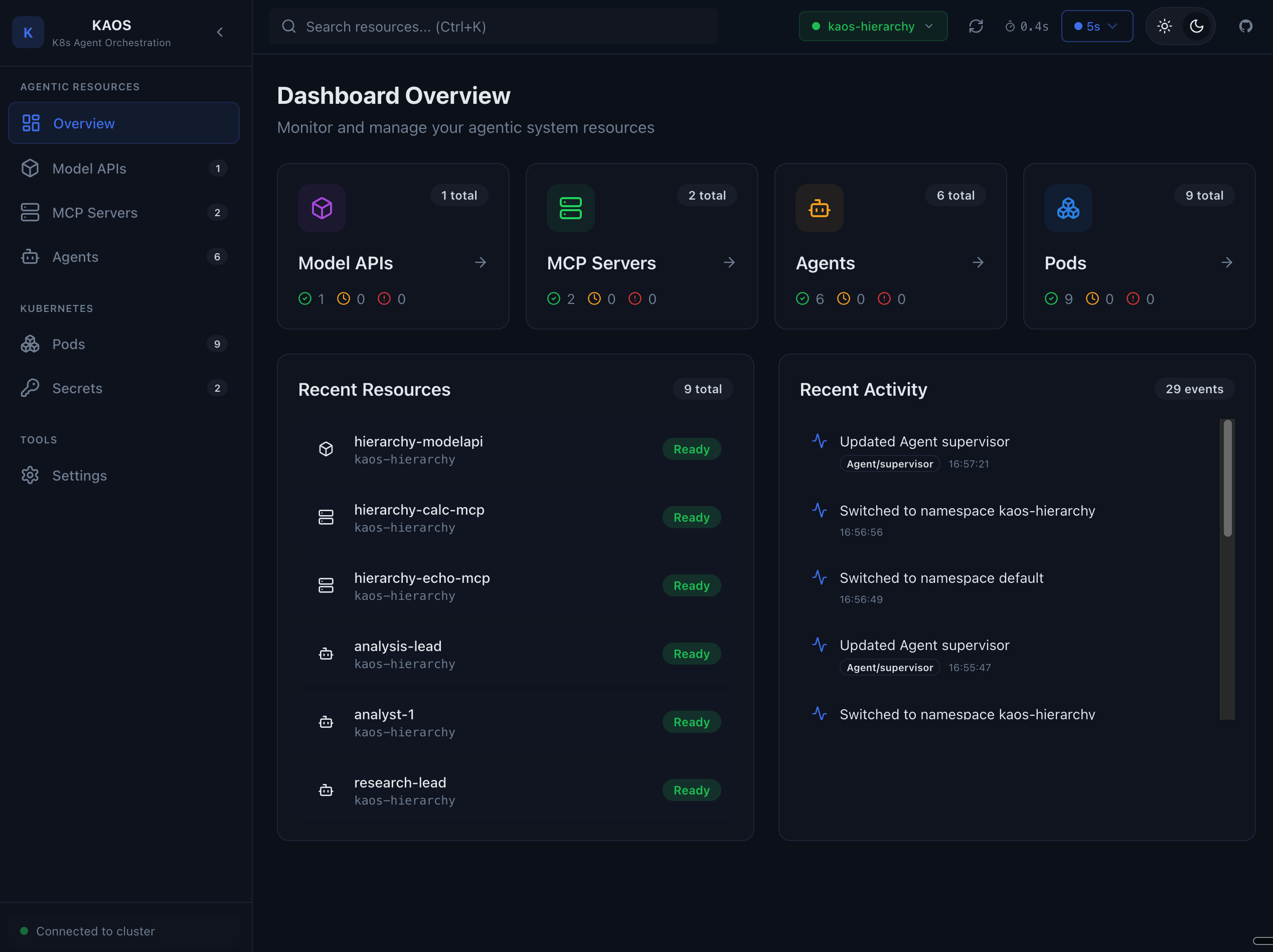
The KAOS UI is a web-based dashboard for managing and monitoring your AI agents running on Kubernetes. It provides a visual interface for viewing agents, MCP servers, model APIs, and debugging agent interactions.
Features
- Agent Management - View, create, and monitor agents
- Real-time Chat - Test agents directly from the UI
- Memory Inspector - Debug agent memory and conversation history
- MCP Tool Debugging - Test MCP server tools interactively
- Model API Testing - Verify model connectivity
- Pod Management - View logs and status of running pods
- YAML Editor - Edit resource configurations directly
Getting Started
Start the UI
Use the KAOS CLI to start the UI:
bash
kaos uiThis will:
- Start a local CORS proxy to your Kubernetes cluster
- Open the KAOS UI in your default browser
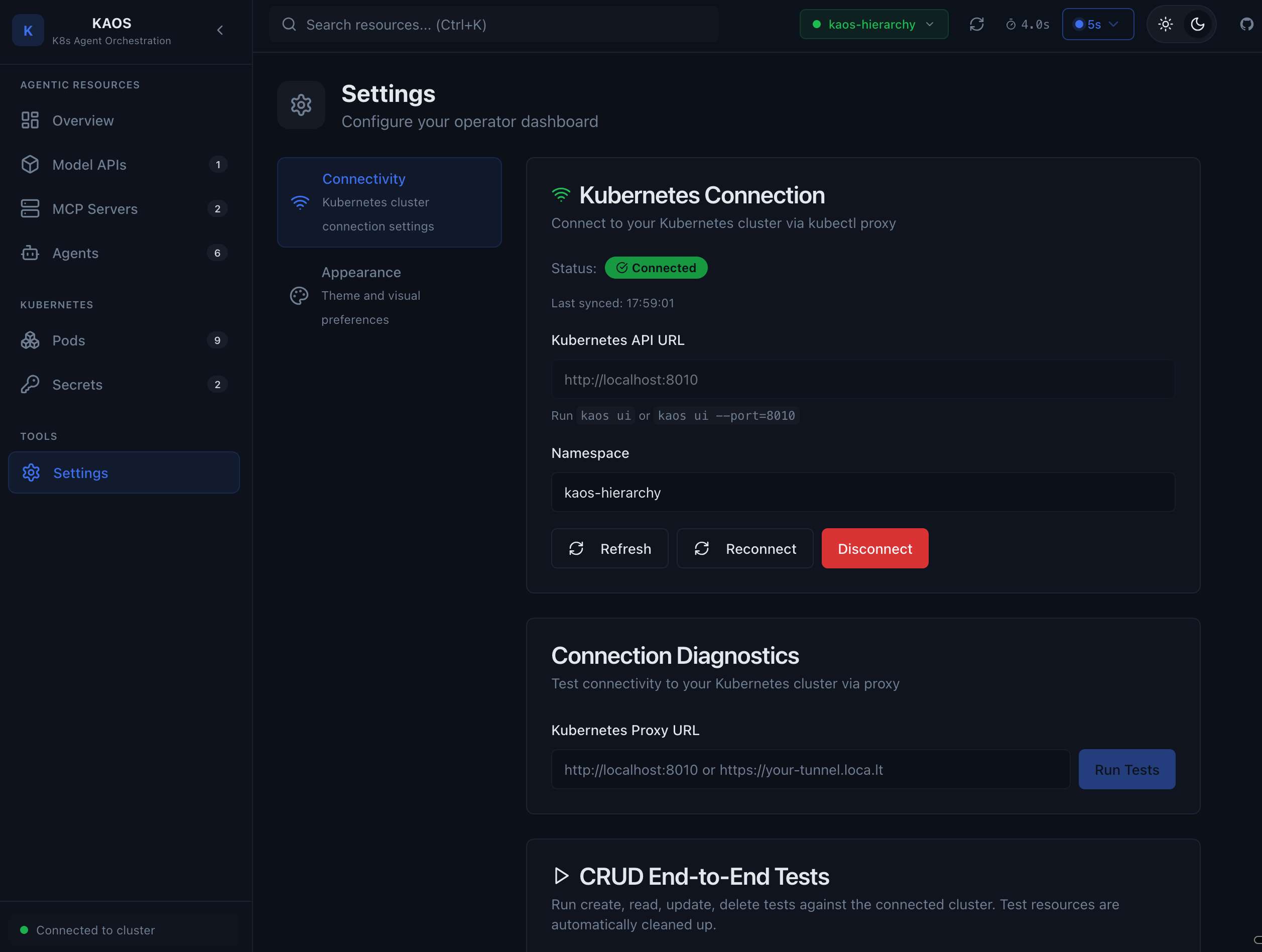
Configure Connection
On first launch, configure the connection to your cluster:
- Navigate to Settings > Connectivity
- Enter your proxy URL (default:
http://localhost:8080) - Select the namespace containing your agents
- Click Save
Architecture
The KAOS UI is a static web application hosted on GitHub Pages. It connects to your Kubernetes cluster through a local CORS proxy started by the kaos ui command.
┌─────────────┐     ┌──────────────┐     ┌─────────────────┐
│   Browser   │────▶│  CORS Proxy  │────▶│  Kubernetes API │
│  (KAOS UI)  │     │  (localhost) │     │    (cluster)    │
└─────────────┘     └──────────────┘     └─────────────────┘
This architecture allows:
- No authentication tokens stored in the browser
- Works with any Kubernetes cluster
- Respects your existing kubeconfig and RBAC
Next Steps
- Features Guide - Detailed walkthrough of UI features
- CLI Commands - CLI command reference
- Quick Start - Deploy your first agent